
A website can look polished and still lose customers. Visitors leave when they cannot find the price, the menu hides the page they want, or the checkout asks for too much. UI UX design is the work that prevents this. It decides how your website or app looks (UI), how it works (UX), and how easily a visitor gets from “I need this” to “I have contacted them”.
At iCreationsLAB, we have designed websites and applications for Singapore businesses since 2008. This guide explains what custom UI UX design services include, how a good design process runs, what to expect in 2026, and how to choose a provider. If you are ready to talk, see our UI UX design service or contact us.
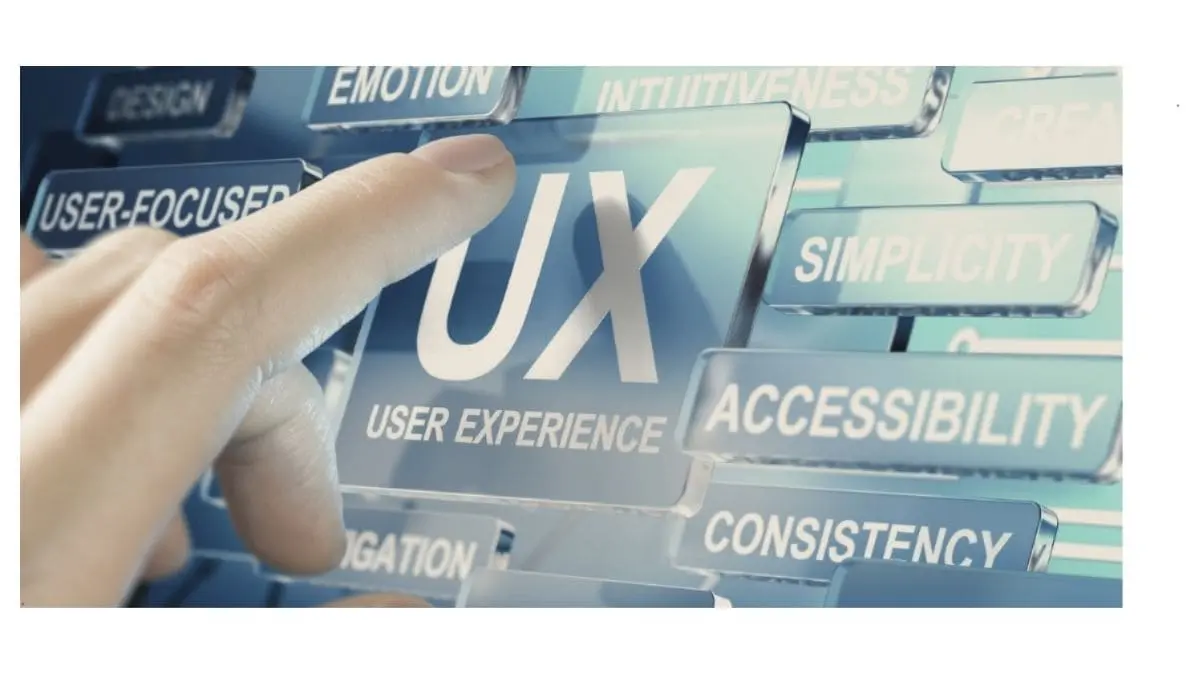
What Are Custom UI UX Design Services?
Custom UI UX design means designing around your customers and your business goals instead of dropping content into a pre-made template. It combines two disciplines that work together:
- UI (user interface) design covers what people see and touch: layouts and grids, colours, typography, icons, buttons, forms and the way the brand appears on every screen.
- UX (user experience) design covers how the product works for the person using it: navigation, page flow, how many steps a task takes, what happens when something goes wrong, and whether the visitor reaches their goal.
UI without UX gives you an attractive site that is hard to use. UX without UI gives you a logical site that does not build trust. Good projects need both. For a deeper look at the visual side, read our guide to website UI design and its four golden rules.
How a Custom UI UX Design Project Works
The exact steps depend on the size of the project, but a solid process usually looks like this:
- Research and goals. We agree what the website must achieve (enquiries, bookings, sales, sign-ups), who it is for, and what competitors and existing analytics tell us. Interviews, surveys and user personas help when the audience is unfamiliar.
- Information architecture. We map the pages and menus into a sitemap so visitors find what they need in as few clicks as possible.
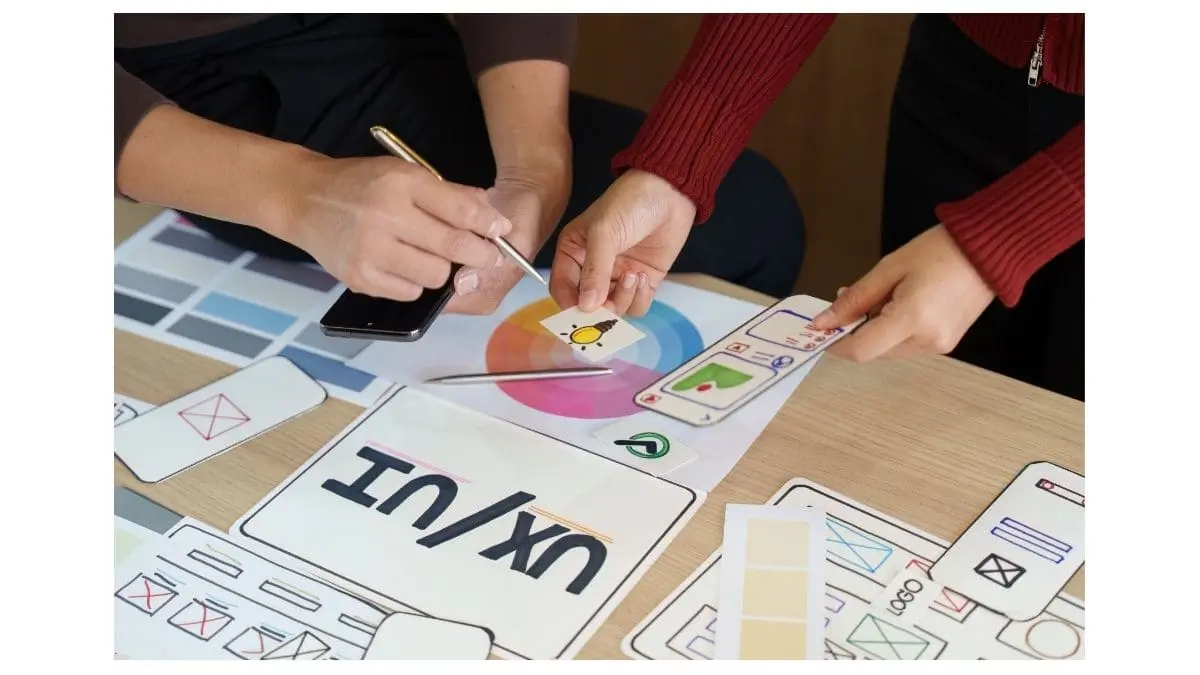
- Wireframes. Simple layouts show where content, navigation and calls to action go, before any colour or imagery is added. Changing a wireframe is cheap; changing a finished site is not.
- Interactive prototype. A clickable prototype lets you and real users try the main journeys, such as finding a service and sending an enquiry, and spot problems early.
- Visual UI design. We apply your brand: colours, typography, icons, imagery and small interactions such as hover states and form feedback.
- Responsive and accessible design. Layouts are designed mobile-first and checked on common screen sizes. Contrast, text size, keyboard navigation and alt text follow WCAG accessibility guidelines.
- Build, testing and launch. Designers work with developers so the finished site matches the design, then check it across browsers and devices.
- Measure and improve. After launch, analytics, heatmaps and user feedback show where visitors hesitate or leave, and the design is adjusted.
What Good UI UX Design Does for Your Business
We avoid promising specific percentages, because results depend on your market, traffic and offer. What good design reliably improves is easy to explain:
- More enquiries and sales. Clear calls to action, shorter forms and simpler checkout remove reasons to abandon.
- Lower bounce rates. Visitors who find what they expected stay longer and look at more pages.
- Stronger trust. A consistent, professional interface signals that the business is reliable, which matters when people compare several providers.
- Better mobile performance. Most visitors arrive on phones, so thumb-friendly navigation and readable layouts directly affect results.
- Fewer costly revisions. Testing wireframes and prototypes before development catches usability problems when they are cheap to fix.
- Better search performance. Fast, clear, mobile-friendly pages support SEO. See why a website designer needs both UX and SEO.
UI UX Design Trends to Plan For in 2026
- AI-assisted personalisation. Product suggestions, dynamic content and smarter search can make a site feel relevant to each visitor, as long as privacy is handled properly.
- Accessibility as standard. Inclusive design widens your audience and reduces legal and reputational risk.
- Speed as part of design. Image choices, animation and page weight are design decisions because they affect load time. Our guide on how to check website speed shows how to measure it.
- Purposeful micro-interactions. Small animations that confirm an action or guide attention help; decoration for its own sake slows the page and distracts.
- Dark mode support. Many users expect it. Read our complete guide to dark mode web design.
- Voice, AR and VR in selected cases. They suit specific industries such as retail visualisation or training, but most business websites gain more from fixing navigation and forms first.
Common Problems UI UX Design Solves
- Confusing navigation: restructure menus and page hierarchy around how customers think, not how the company is organised.
- Low conversion from landing pages: clarify the offer, place a visible call to action, and remove distractions.
- Abandoned forms and checkouts: cut unnecessary fields, add inline validation and show progress.
- Poor mobile experience: redesign touch targets, spacing and content order for small screens.
- Inconsistent branding: a shared set of components and styles keeps every page and screen coherent.
If you already have a website and suspect it is losing leads, a structured review is a good start. Our article on UX audits in Singapore explains how that works.
How to Measure Whether the Design Is Working
Agree the measures before the project starts so the result can be judged fairly. Typical ones are conversion rate for the main goal (enquiries, purchases, bookings), form completion rate, bounce rate and time on key pages, mobile versus desktop conversion, task success in usability tests, and organic search clicks for your main pages. Compare the figures before and after launch over a meaningful period, and review them regularly with your provider.
How to Choose a UI UX Design Services Provider
- Relevant portfolio. Look for custom work, not only templates, and ask for examples in your industry. Browse ours on the portfolio page.
- A research-led process. The provider should ask about your customers and goals before showing designs.
- Clear deliverables. Sitemap, wireframes, prototype and design files should be listed in the proposal.
- Design and development under one roof, or a proven way of working together, so the finished site matches the design.
- Transparent pricing and timeline. Our website design cost guide explains what drives price in Singapore.
- Post-launch support for fixes, updates and improvements based on real data.
Frequently Asked Questions
What is the difference between UI and UX design?
UI design is the visual and interactive layer: layout, colours, typography, buttons and icons. UX design is the overall experience: how easily visitors find information and complete tasks. UI makes a product look right; UX makes it work right.
How long does a UI UX design project take?
A focused website redesign commonly takes several weeks for research, wireframes and visual design, before development begins. Larger websites, e-commerce stores and web applications take longer. We confirm a timeline in the proposal once we know the scope.
Do UI UX design services include user testing?
They should. At minimum, the prototype is reviewed by real users or stakeholders before development, and key journeys are checked again after launch. Heatmaps and analytics can then guide further improvements.
Can UI UX design help with SEO?
Yes, indirectly. Clear structure, fast pages, mobile-friendly layouts and content that answers the visitor’s question all support search performance and keep visitors engaged once they arrive.
Which businesses benefit from UI UX design services?
Any business whose website or app is used to win customers: service companies generating enquiries, e-commerce stores, schools, clinics, property agents, SaaS products and internal business applications.
Talk to iCreationsLAB About Your UI UX Design
With more than 18 years of experience in Singapore, iCreationsLAB designs and builds websites, e-commerce stores and web applications that are clear to use and built to convert. Explore our UI UX design service or website design and development, then contact us for a free consultation.