
In today’s digital world, not all websites are trustworthy. Whether you are reading news, researching information, or considering an online purchase, knowing how to check a website’s credibility is essential. Fortunately, there are several quick and effective tools that help you evaluate a website’s reliability within minutes.
This guide explains practical methods, key indicators, and free tools to help you assess website credibility accurately.
Why Website Cred ibility Matters
Unreliable websites can spread misinformation, compromise personal data, or lead to financial loss. Credible websites, on the other hand, demonstrate transparency, authority, and security. Learning how to verify trustworthiness helps you make safer and more informed online decisions.
Key Signs of a Credible Website
Before using any tool, you can manually check these basic indicators:
- Clear “About Us” and contact information
- Secure HTTPS connection
- Professional design and readable content
- Updated and well-structured information
- No excessive pop-ups or misleading ads
If these elements are missing, further verification is necessary.
See More: How to Check Website Speed: A Complete SEO Guide
Quick Tools to Check Website Credibility
1. Domain Age Checkers
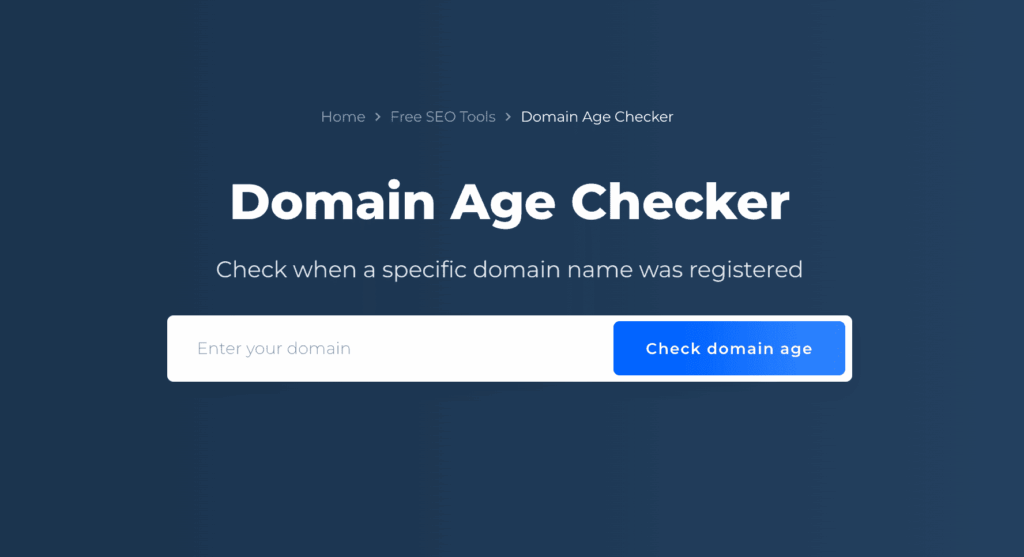
Checking a website’s domain age is one of the fastest ways to assess its credibility. In general, websites with a longer domain history tend to be more trustworthy because they have existed long enough to build reputation, authority, and consistency. Many scam or low-quality websites are created recently and disappear quickly once reported.
Domain age checker tools, such as WHOIS lookup services, provide detailed insights including:
- Domain creation date – Shows how long the website has been active. Older domains usually indicate stability and long-term intent.
- Ownership details – Reveals whether the domain owner information is public, private, or frequently changed. Constant ownership changes can be a warning sign.
- Registration history – Displays renewals, expiration dates, and past records, helping you determine if the domain is maintained consistently or abandoned and reused.
However, domain age should not be evaluated in isolation. A newly created domain can still be legitimate, especially for new projects or startups. In such cases, it is important to combine domain age analysis with other credibility checks, such as content quality, security certificates, and website reputation. Treat very new domains with extra caution, especially if they make bold claims or request sensitive information.
These tools help verify how long a website has existed and who owns it:
WHOIS Lookup – Checks domain creation date, owner details, and registration history
ICANN WHOIS – Official source for domain ownership verification
DomainTools – Provides historical ownership and domain activity data
2. Website Reputation Checkers
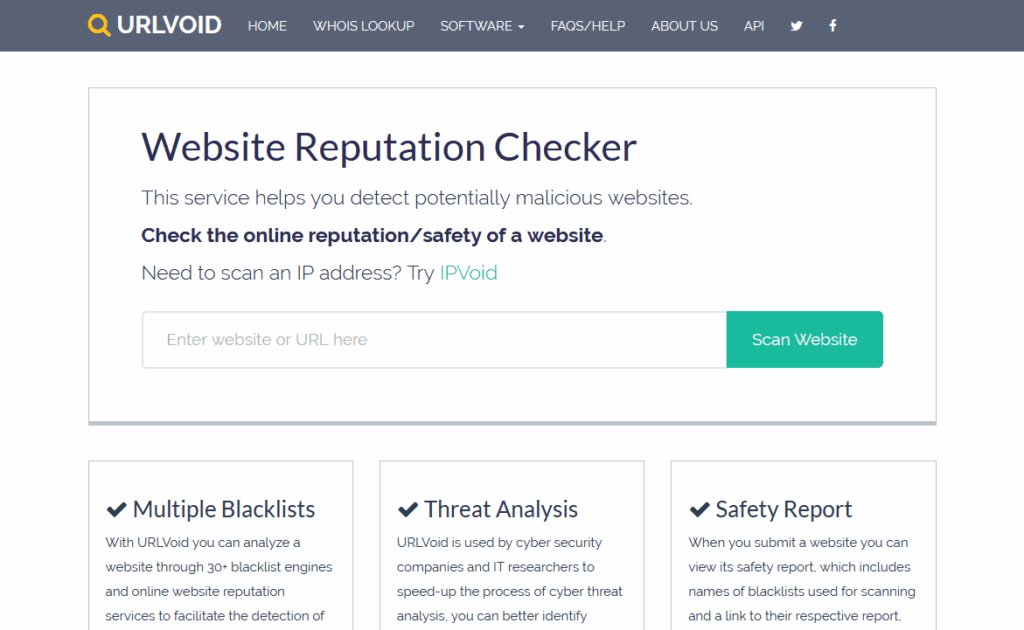
Website reputation checkers are specialized tools designed to evaluate the credibility and safety of a website by analyzing data from multiple sources, including user reports, global security databases, and cybersecurity organizations.
These tools help identify:
- Malware threats: Whether a website hosts or distributes malicious software that could harm users’ devices.
- Phishing activity: Detection of fake or deceptive websites created to steal personal, login, or financial information.
- Spam behavior: Sites flagged for sending spam, unwanted redirects, or low-quality and deceptive content.
Within seconds, reputation checkers generate a trust score or safety status, allowing users and businesses to quickly assess whether a website is safe to visit, interact with, or do business with.
Use these tools to detect security threats and reported abuse:
Google Safe Browsing – Identifies malware, phishing, and unsafe websites
VirusTotal – Scans URLs using multiple antivirus and security engines
ScamAdvisor – Provides trust scores based on reputation data and user reports
3. SSL & Security Verification Tools
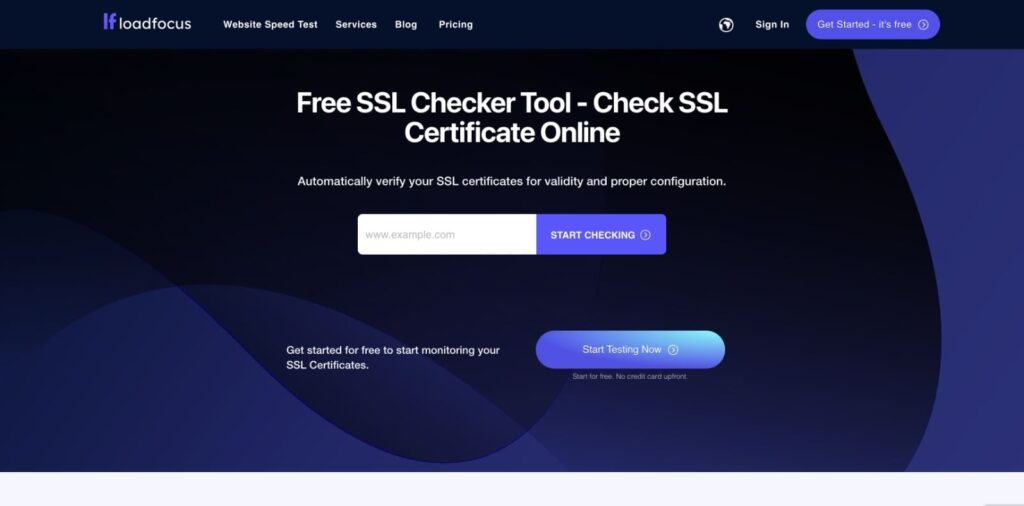
A trustworthy website prioritizes the protection of user data. SSL and security verification tools are used to assess a site’s security posture by examining:
- Valid SSL certificates: Confirming that the website uses HTTPS and that the certificate is properly installed and up to date.
- Encryption strength: Ensuring data transmitted between users and the website is securely encrypted.
- Overall security configuration: Identifying misconfigurations, vulnerabilities, or outdated security protocols.
Websites with missing or invalid SSL certificates are commonly flagged by browsers as “Not Secure,” which significantly reduces user trust and can negatively impact SEO performance. This is considered a major warning sign that the website may not be safe.
These tools assess encryption and technical security:
SSL Labs (Qualys) – Analyzes SSL certificate validity and encryption strength
Why No Padlock – Identifies SSL and HTTPS configuration issues
SecurityHeaders – Checks HTTP security headers and server protection
See More: How to Choose the Right Web Development Company in Singaporev
4. Traffic & Popularity Analysis Tools
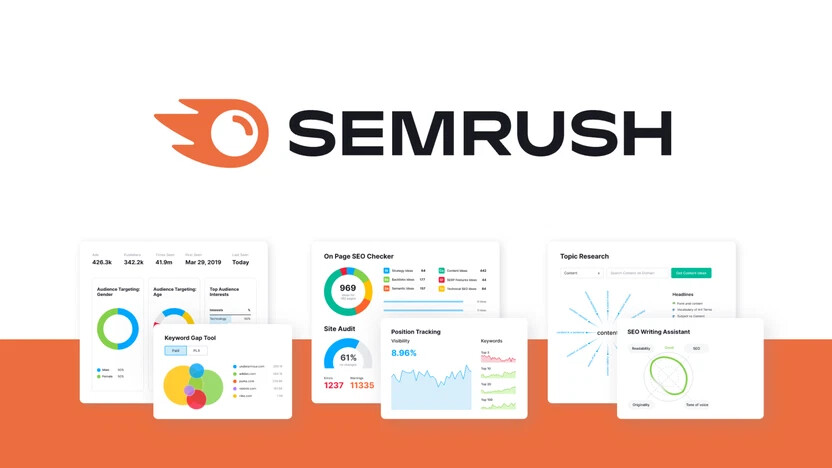
Trusted websites typically attract steady and measurable traffic over time. Traffic and popularity analysis tools provide insights into how a website is performing by estimating:
- Monthly visit volume: An indication of overall visibility and audience reach.
- User engagement metrics: Including average visit duration, pages per session, and bounce rate.
- Geographic traffic sources: Showing where visitors are coming from and whether the audience matches the site’s claimed market.
A website that presents itself as professional or authoritative but receives extremely low or inconsistent traffic may raise credibility concerns, especially if it claims to serve a large audience or established business.
Estimate website traffic and user engagement:
SimilarWeb – Provides traffic estimates, engagement data, and traffic sources
SEMrush – Offers organic traffic insights and audience behavior analysis
Ahrefs – Useful for estimating traffic, backlinks, and domain authority
5. Content & Plagiarism Checkers
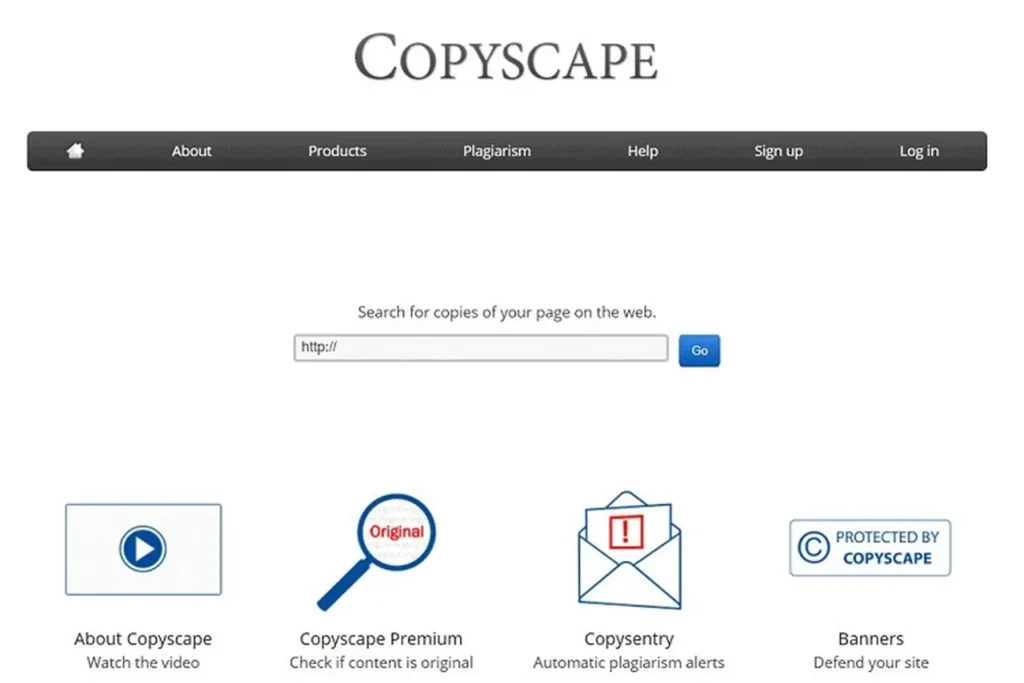
High-quality and trustworthy websites consistently publish original, well-researched content that provides real value to users. Content and plagiarism checkers help assess content integrity by identifying:
- Copied or duplicated articles: Content taken directly from other websites without proper attribution.
- Content sourced from unreliable or low-quality platforms: Which can harm credibility and search engine rankings.
Original, well-written, and informative content is a strong trust signal for both users and search engines, reinforcing the website’s authority, professionalism, and long-term reliability.
Verify content originality and quality:
Copyscape – Detects duplicated or stolen content across the web
Grammarly / Originality Check – Helps assess originality and content quality
Quetext – Identifies plagiarism and content overlap
See More: Website Design Singapore: How to Build a Stunning Website That Converts
How to Combine Multiple Tools for Accurate Website Evaluation
No single tool can provide a complete or fully reliable assessment of a website’s credibility. For the most accurate results, it is essential to use multiple tools together and cross-check the data from different sources.
Best practices include:
- Checking domain age and ownership: Older, transparent domains are generally more trustworthy than newly registered or anonymous ones.
- Verifying security and SSL status: Ensure the website uses HTTPS and has a valid, properly configured SSL certificate.
- Reviewing reputation and traffic data: Analyze trust scores, user reports, and traffic patterns to identify suspicious behavior.
- Evaluating content originality: Confirm that the website publishes unique, well-written content rather than copied or low-quality material.
Cross-checking these factors helps reduce false assumptions and provides a more accurate and reliable credibility assessment.
Common Red Flags to Watch Out For
Certain warning signs may indicate that a website is unsafe or unreliable. Be cautious if you notice any of the following:
- No author, company, or source information: A lack of transparency is a major trust issue.
- “Too good to be true” claims: Unrealistic promises are often associated with scams or misleading content.
- Broken links or outdated content: Poor maintenance suggests low professionalism or abandonment.
- Requests for sensitive information without explanation: Legitimate websites clearly explain why data is needed and how it will be protected.
If multiple red flags appear at the same time, it is best to avoid interacting with the website and refrain from sharing any personal or financial information.
See More: Looking for Cheap Web Design in Singapore? Here Is What You Need to Know
FAQ
1, What is website credibility?
Website credibility refers to the perceived trustworthiness, reliability, and expertise of a site as judged by visitors. It influences whether users engage with content, make purchases, or share information from the site. High credibility reduces bounce rates and builds long-term loyalty.
Key Factors
Professional design creates an immediate positive impression, signaling competence and care. Accurate, up-to-date content demonstrates expertise, while security features like HTTPS and clear contact info foster trust. Testimonials, certifications, and error-free functionality further reinforce reliability.
Google’s E-E-A-T Framework
Search engines prioritize sites showing Experience, Expertise, Authoritativeness, and Trustworthiness (E-E-A-T). Author bios, cited sources, and transparent practices help meet these criteria, especially for sensitive topics like health or finance. Consistent, original content boosts rankings and user confidence.
Types of Credibility
Sites gain presumed credibility from domain reputation, reputed from endorsements, surface from aesthetics, and earned through sustained quality. Combining these maximizes trust across user interactions.
2, Can a new website still be credible?
Yes, a new website can absolutely be credible by prioritizing quality content, transparency, and user trust signals from day one. Lacking age or backlinks doesn’t doom it; instead, focus on design, security, and proof of expertise to build immediate confidence. Visitors judge based on visible cues rather than history alone.
Essential Strategies
Implement HTTPS encryption and professional design to signal legitimacy right away. Provide clear author bios, contact details, and privacy policies to demonstrate accountability. High-quality, original content with citations establishes expertise quickly.
Building Over Time
Earn credibility through consistent updates, user testimonials, and social proof like reviews. Integrate trust badges or certifications if applicable. Tools like Google’s E-E-A-T guidelines help new sites rank and reassure users despite youth.
Common Pitfalls to Avoid
Steer clear of stock images, typos, or broken links, which erode trust instantly. Overly salesy language or hidden ownership raises red flags. New sites succeed by mimicking established ones in transparency and value.
3, Is HTTPS enough to trust a website?
No, HTTPS alone is not enough to trust a website. It only encrypts data transmission between your browser and the server, preventing interception, but does not verify the site’s content, security practices, or legitimacy.
What HTTPS Provides
HTTPS confirms domain ownership via an SSL certificate and ensures secure connections, which browsers now require to avoid warnings. Free certificates from services like Let’s Encrypt make it easy for anyone, including scammers, to implement. Phishing sites often use HTTPS, with 74% of reported cases in 2019 featuring it.
Additional Trust Checks
Evaluate design quality, contact info, privacy policies, and trust seals from verified providers. Check for author credentials, recent updates, and blacklists using tools like Google Safe Browsing. Reviews, domain age, and absence of malware indicators provide fuller assurance.
Risks of Relying Solely on HTTPS
Malicious sites can have valid HTTPS yet host phishing, malware, or scams. Government sites and even .gov domains have been spoofed despite encryption. Always cross-verify with multiple signals for true credibility.
4, How long does it take to check a website’s credibility?
Checking a website’s credibility typically takes 1-5 minutes for a basic assessment by scanning key visual and structural cues. Thorough checks with tools and external verification extend to 10-15 minutes. Time varies by user experience and site complexity, but quick scans suffice for most decisions.
Quick Checks (1-2 Minutes)
Look for HTTPS padlock, professional design without errors, clear contact details, and about us page with real info. Verify domain age via WHOIS lookup (under 30 seconds) and scan for trust badges or certifications. Absence of pop-ups or aggressive ads signals reliability.
Deeper Verification (5-10 Minutes)
Use free tools like Google Safe Browsing, URLVoid, or ScamAdviser for malware and blacklist checks (instant results). Cross-reference reviews on Trustpilot or Reddit, and confirm content originality with cited sources. Evaluate E-E-A-T signals like author bios for expertise.
Full Audit (10+ Minutes)
Review privacy policy, terms, and security headers with tools like SSL Labs. Analyze backlinks via Ahrefs free tool and check social proof. For high-stakes sites, this ensures comprehensive trust but suits cautious users.
5, Are free website credibility tools reliable?
Free website credibility tools offer a helpful starting point but are not fully reliable on their own due to limitations like false positives, outdated databases, and incomplete coverage. They aggregate data from blacklists, algorithms, and basic checks effectively for quick scans, yet miss nuanced threats or require human verification for accuracy. Reputable ones like ScamAdviser or URLVoid perform well when cross-checked.
Strengths
These tools scan 40+ variables including hosting location, blacklists, and HTML structure using AI for fast trust scores, often matching commercial benchmarks in detection rates. Free versions from trusted providers like Get Safe Online or Pentest-Tools provide evidence-based results with low false positives in tests. They excel at flagging obvious scams instantly.
Limitations
High false positives waste time, while lagging vulnerability updates expose gaps in zero-day threats. Free scanners may prioritize basic checks over deep analysis, and some lack transparency in algorithms. Open-source or basic tools often underperform compared to paid options in accuracy.
Best Practices
Combine tools like URLVoid, ScamAdviser, and Google Safe Browsing with manual reviews of design, reviews, and domain age. No single tool guarantees safety—use multiple for balanced assessment. For critical sites, opt for paid scanners with proven benchmarks.
6, Can traffic data indicate trustworthiness?
No, traffic data alone does not reliably indicate trustworthiness. High traffic suggests popularity but can stem from viral marketing, bots, or scams drawing curious visitors rather than genuine endorsement. Low traffic on a new or niche site doesn’t imply unreliability if other trust signals like content quality and security are strong.
Indirect Benefits
Consistent, organic traffic from reputable sources (e.g., search engines) correlates with better SEO and user retention, hinting at value. Metrics like returning visitors and low bounce rates reflect satisfaction, indirectly supporting credibility when paired with reviews. Tools like Google Analytics reveal these patterns without guaranteeing safety.
Key Limitations
Scam sites often spike traffic via paid ads or social hype before collapsing. Popularity ignores content accuracy, bias, or malware risks. Always verify with design, HTTPS, author credentials, and external checks over raw numbers.
7, Why is domain age important?
Domain age matters for website credibility because older domains signal stability, legitimacy, and a track record free of penalties to search engines and users.
Search Engine Trust
Google views long-registered domains as less likely to engage in spam, boosting rankings via E-E-A-T factors like authority and trustworthiness. They accumulate quality backlinks and consistent content history over time, enhancing topical expertise.
User Perception
Visitors associate age with reliability, reducing skepticism compared to new domains often linked to scams. Tools like WHOIS reveal registration history, helping quick credibility checks.
Limitations
Age alone doesn’t guarantee quality—neglected old sites can harm SEO. Pair it with current content, security, and reviews for full trust.
8, Should I trust websites without contact information
No, avoid trusting websites without contact information, as it signals potential scams or lack of accountability. Legitimate sites prioritize transparency with visible phone numbers, emails, or addresses to prove they are real businesses.
Red Flags
Hidden or absent contact details violate Google’s E-E-A-T guidelines, eroding credibility instantly—62% of consumers view it as the top trust factor. Scammers often copy designs but omit reachability to dodge complaints.
Verification Steps
Search for a dedicated contact or “About” page; verify addresses via Google Maps. Cross-check with WHOIS for owner details and reviews on Trustpilot. Even with other positives like HTTPS, no contact warrants caution.
Exceptions Are Rare
Non-profits or privacy-focused sites might minimize info, but pair it with strong social proof or certifications. Always demand multiple trust signals over isolation.